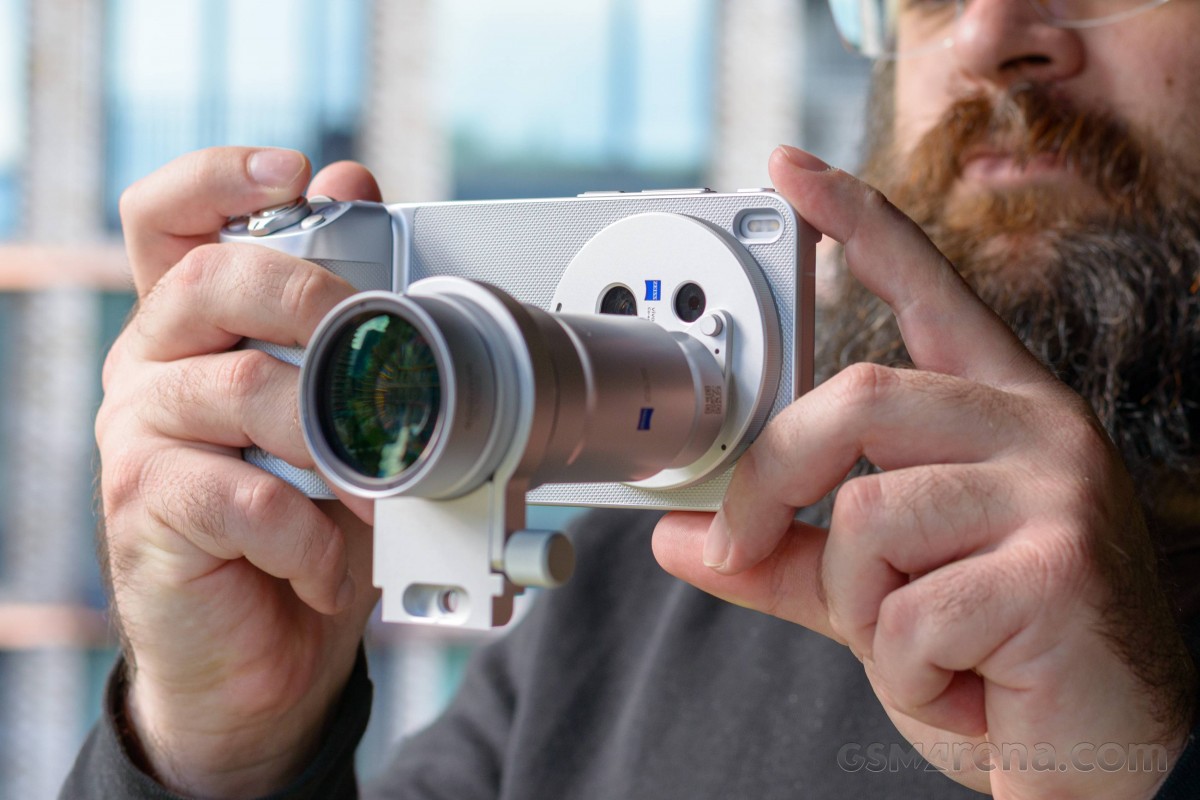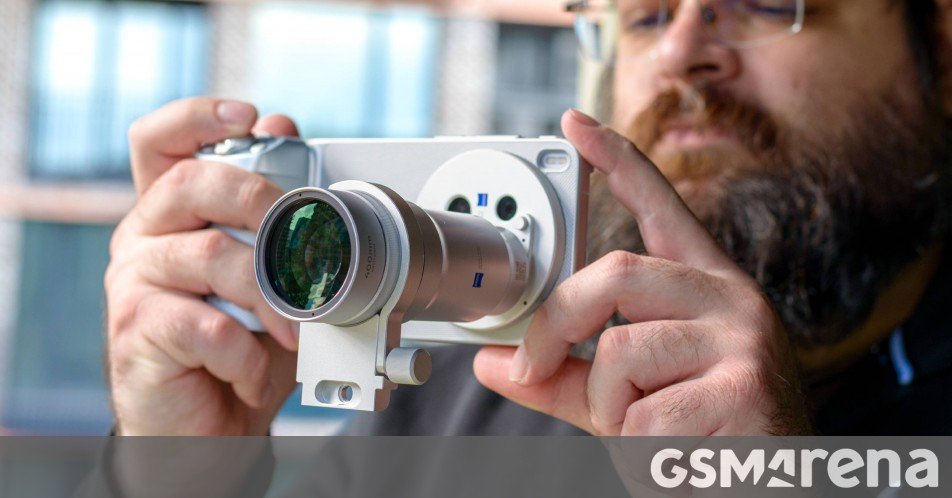
Now that the vivo X300 Ultra is out and selling, you’ll also be able to buy its accompanying photography kit.
Vivo has gone about things differently than some of its peers. Instead of finding space for a second telephoto camera on the back, the X300 Ultra can extend the reach of its 85mm f/2.7 lens through teleconverter lenses. That’s plural, because this year, in addition to the 200mm lens, there’s also a 400mm one.
Now, these aren’t your typical camera lenses, where you get focusing parts and an aperture inside the lens. These are teleconverters, which means that they essentially magnify the dedicated lens they sit over (or under, as in some cases with proper mirrorless and DSLR lenses).
This allows the teleconverters to be simpler and smaller than typical lenses. They also don’t interfere with the built-in lens’s quality, which is neat!
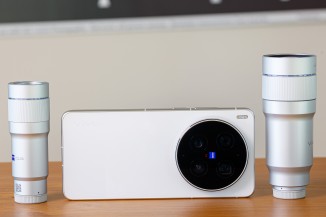
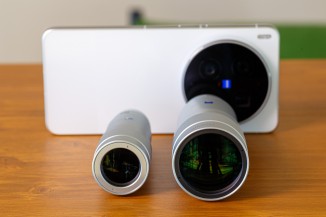
The two new teleconverters – 200mm and 400mm
The vivo X300 Ultra Photography Kit has a lot of accessories. It starts with the case, which (naturally) mounts to the camera. It has a bayonet around the X300 Ultra’s camera island, allowing you to fit different filters. There’s a regular protective filter (in two colors), one for attaching UV, ND, or circular polarizer filters over the X300 Ultra’s cameras, and one for attaching the two teleconverter lenses. Unlike the Xiaomi 17 Ultra’s photography kit, there’s no lens cap.
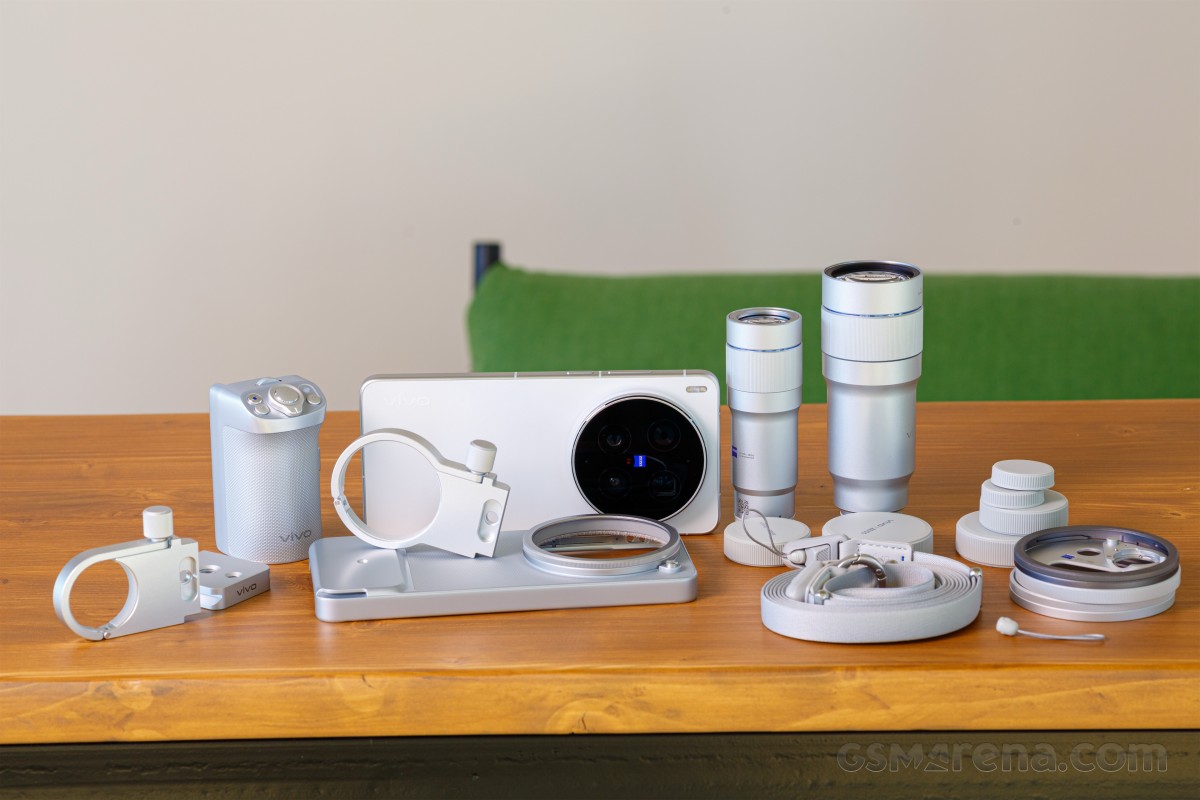
The two lenses come with two-piece tripod collars. The first attaches to the front barrel of the lens and you screw it down to lock it tight. The other is an Arca-Swiss tripod mounting plate, which screws onto the collar.
We’re not sure that the barrel of the lens is the ideal balancing place for mounting on a tripod, as the phone with the case and the grip is still heavier. Still, everything seems tight and sturdy when it’s all screwed into place.
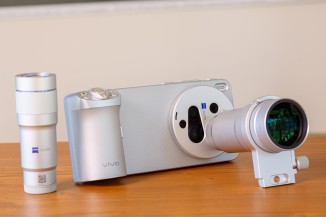
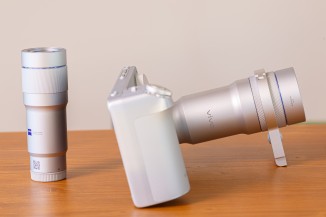
The full kit assembled
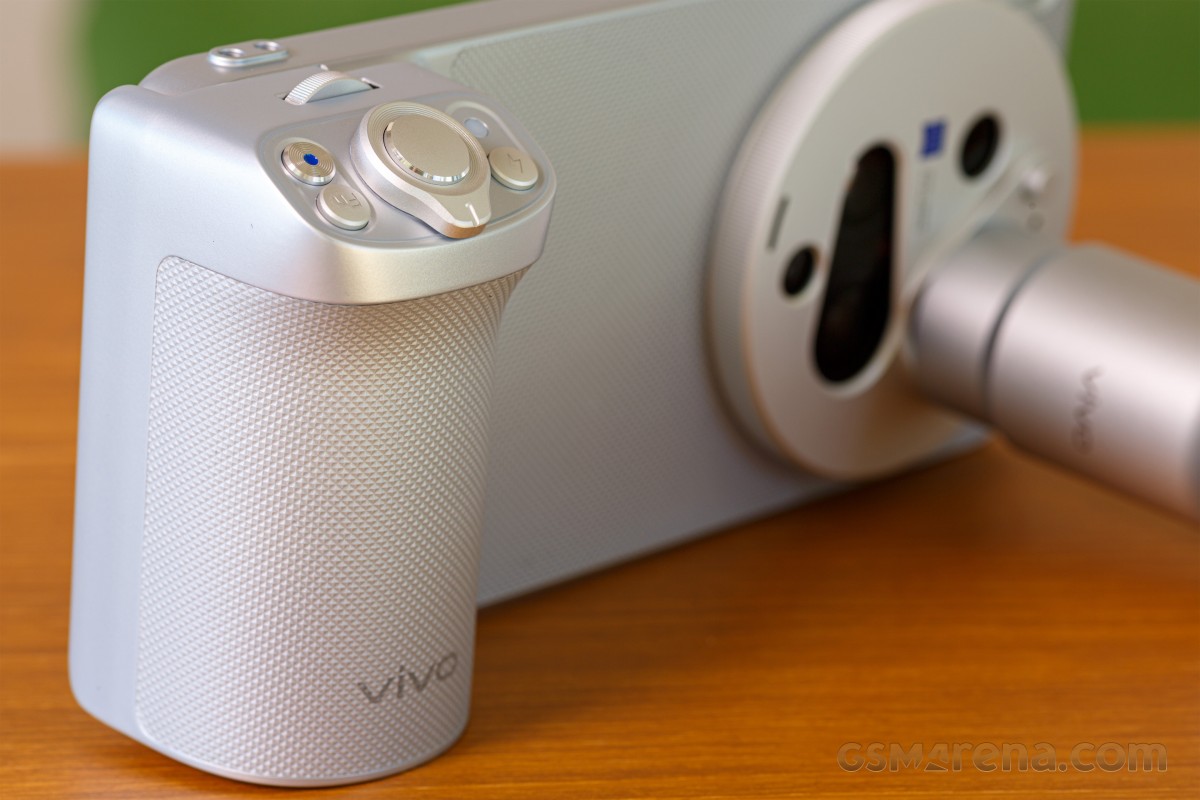
The new camera grip on the photography kit has more controls than its predecessor. With the X300 Ultra, you have a video record button, a scroll wheel, a zoom lever, and the shutter button. The new grip has an additional function button and a flash button.
Speaking of old versus new, the new 2.35x G2 200mm lens is considerably more compact than its predecessor. This could be due to the reduction in lens aperture on the X300 Ultra’s 85mm zoom camera – it’s back to an f/2.7 lens, whereas the X200 Ultra uses an 85mm f/2.3 lens.
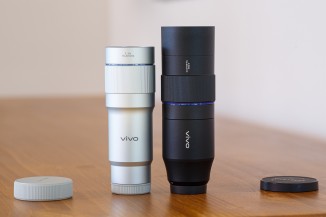
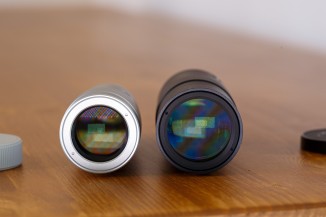
The new 200mm lens is much smaller than the old one
You can definitely feel the difference when using the photography kit with the 200mm lens. It’s compact and light, and there’s hardly any feel of the 200mm lens pulling the phone down.
It’s an entirely different story when you’ve mounted the 400mm lens. It’s chonky and you feel it. We don’t foresee many people casually walking around with this setup. It’s more of a dedicated setup you’d take when going photo-taking.
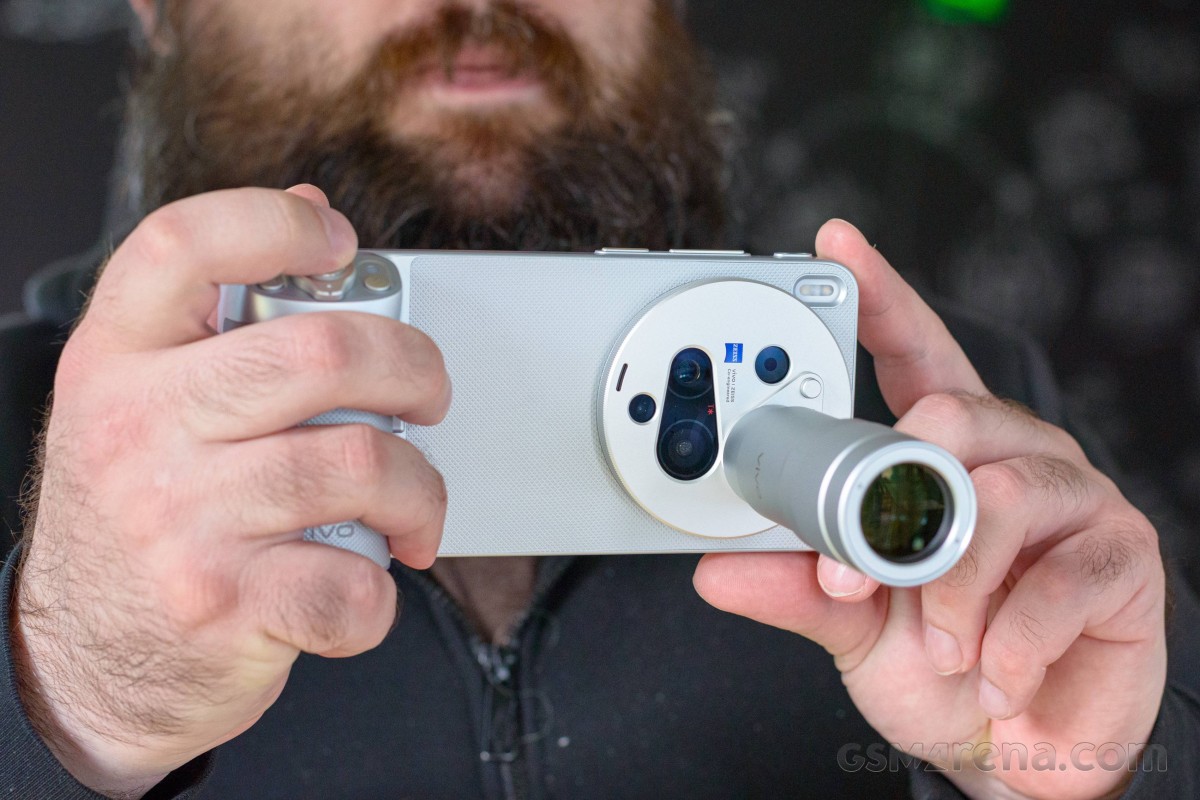
Using the teleconverter lenses on the vivo X300 Ultra is very simple. There’s no longer a need to go into menus and select a mode. Now, you simply tap the little teleconverter icon in the camera viewfinder.
From there, the phone asks you to identify which lens you have – the old 200mm, the new 200mm, or the 400mm. Just tap the one you need, and everything works – no upside down viewfinders and whatnot.
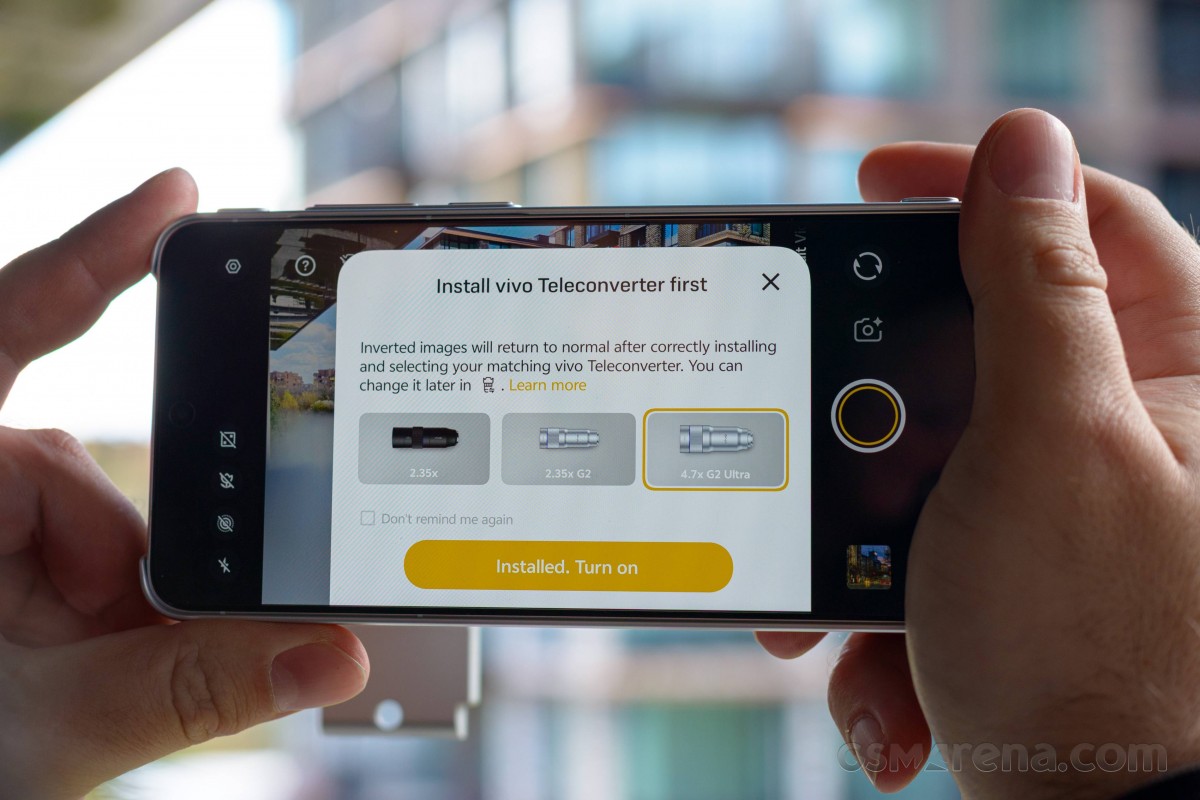
There are different zoom levels with the different lenses. The 200mm also shows toggles for 400mm, 800mm, and 1,600mm. With the 400mm, you also get 800mm, 1,600mm, and 3,200mm.
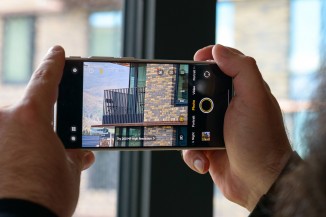
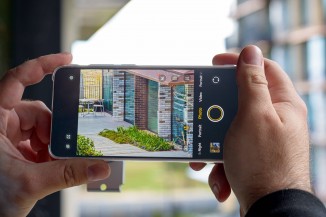
Shooting with the two converter lenses
We’re currently in the midst of testing the vivo X300 Ultra for review, so you’ll soon get some samples with the teleconverters. Stay tuned!